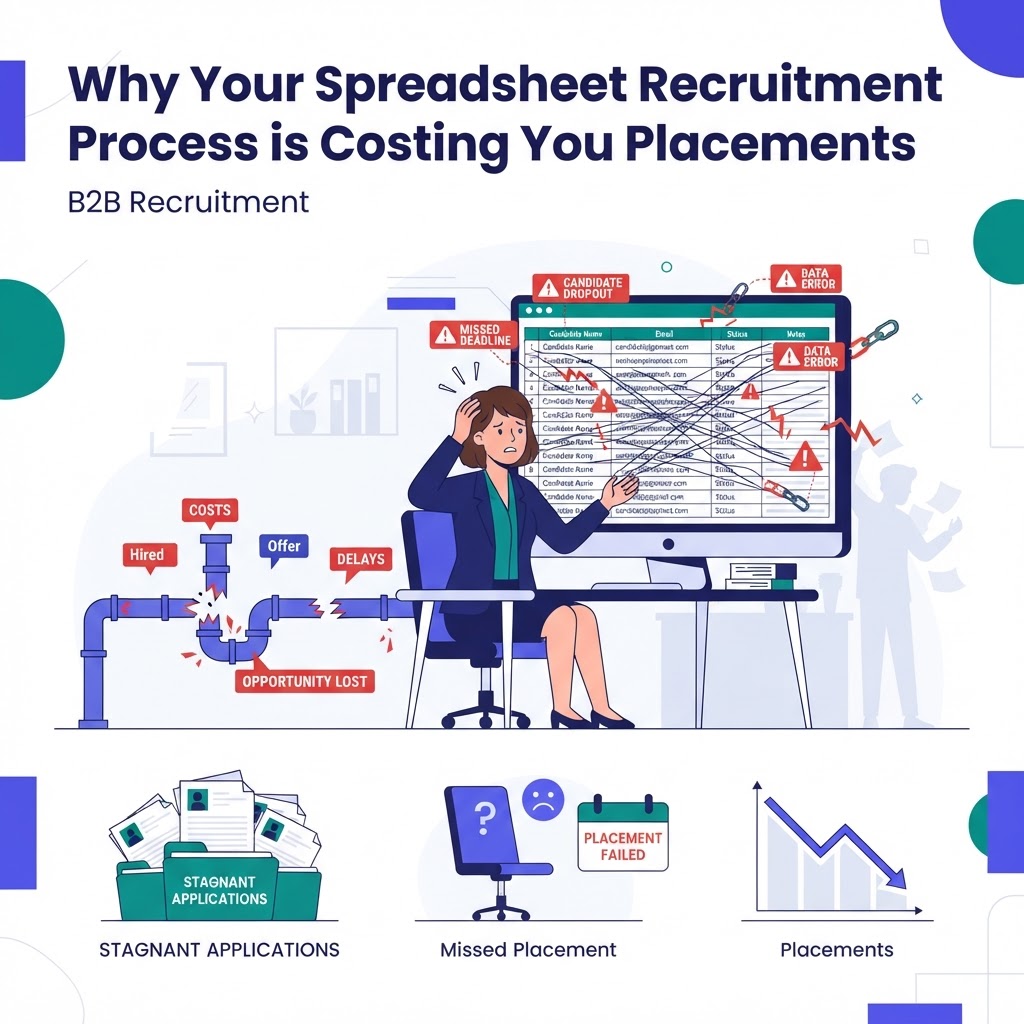
For many recruiting agencies, the transition from spreadsheets to a dedicated system feels like a daunting mountain to climb. You have spent years meticulously logging candidates, tracking interview stages, and managing client feedback within Excel or Google Sheets. However, as your agency grows, these static documents become bottlenecks, hiding valuable data and slowing down your time-to-hire. Executing a successful recruiting CRM migration is not just a technology update; it is a fundamental shift toward operational excellence.
Assessing Your Current Data Readiness
Before you import a single row of data, you must perform a thorough audit of your existing spreadsheets. Most recruiters find that 30% of their legacy data is outdated or redundant. Start by cleaning your files: remove duplicate candidate entries, standardize job titles, and archive closed roles from three years ago. If you migrate "dirty" data, you will only replicate existing inefficiencies in your new system. Take this time to ensure every candidate profile has an associated email address and phone number, as these are the critical identifiers for your new CRM.
Choosing the Right Platform for Your Agency
Not all systems are created equal. When selecting a platform, look for one that prioritizes automation and intuitive design. RecruiterCRMFlow stands out because it allows agencies to automate repetitive outreach tasks that were previously done manually in spreadsheets. During your recruiting CRM migration, look for features that allow for bulk importing via CSV files and mapping custom fields. A great CRM should not force you to change your workflow; it should accelerate the workflow you already have.
Executing the Data Mapping Process
Mapping your spreadsheet columns to your new CRM fields is the most technical part of the migration. You need to ensure that your 'Candidate Name' column in Excel aligns perfectly with the 'Full Name' field in your CRM. If your spreadsheet uses custom columns like 'Source' or 'Salary Expectations,' create those custom fields in your CRM before starting the import. Many recruiters get stuck here because they try to force-fit data. Take your time to map fields logically so that your reporting dashboards reflect accurate metrics once the migration is complete.
Training Your Team on New Workflows
Even the best recruiting CRM migration will fail if your team resists adoption. You are moving from a flexible but messy environment to a structured, data-driven one. Conduct training sessions that focus on 'Day in the Life' scenarios. Show your recruiters how to move a candidate from 'Applied' to 'Interviewing' with a single click, contrasting this with the old way of manually updating a spreadsheet row. When recruiters see how much time they save by automating email sequences or tracking candidate activity automatically, adoption rates skyrocket.
Measuring Success Post-Migration
Once the migration is complete, the true work begins: measuring the impact on your bottom line. Look at key performance indicators like 'Submissions per Recruiter' and 'Average Time-to-Fill.' In the first 30 days after moving to a platform like RecruiterCRMFlow, most agencies notice a 20% to 40% increase in productivity. Because the data is now centralized, you can generate reports in seconds that previously took hours to compile. Use this data to iterate on your processes and identify which sources are providing the highest quality candidates.
Conclusion: The Long-Term Benefits
Completing a recruiting CRM migration is a transformative milestone for any growing agency. By shedding the limitations of manual spreadsheets, you empower your team to focus on building relationships rather than managing rows of data. While the transition requires patience and preparation, the ROI—seen through faster placements and cleaner candidate pipelines—is undeniable. Start your journey today to ensure your agency remains competitive in an increasingly fast-paced hiring market.